Photo Collage Cards
A card with a collage of the year's photos says more than a single picture: holiday cards, birthday and anniversary cards, Valentines, Mother's and Father's Day, and birth announcements. Make the collage in a shape that fits the occasion.
 A holiday wreath
 A Christmas tree
 Christmas past: old family photos
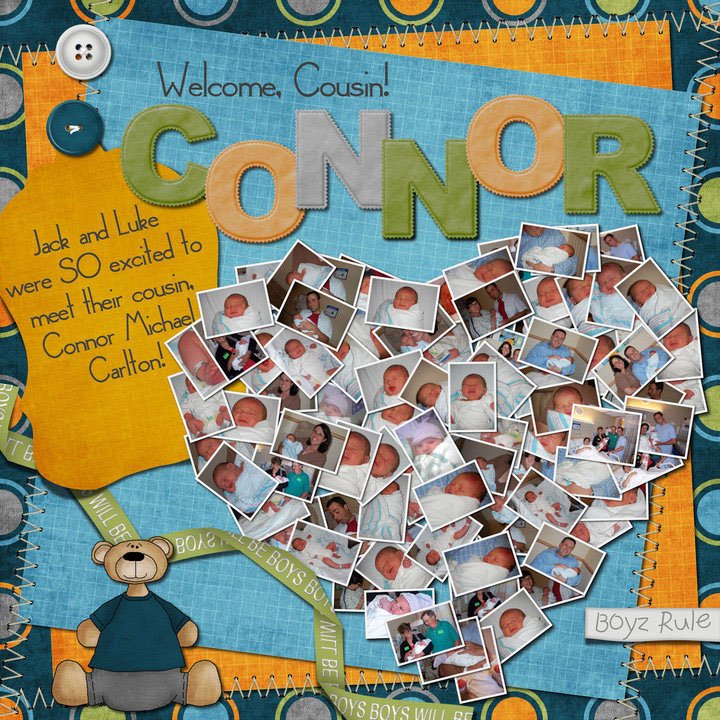 Welcoming a new baby
 A Valentine
 An anniversary
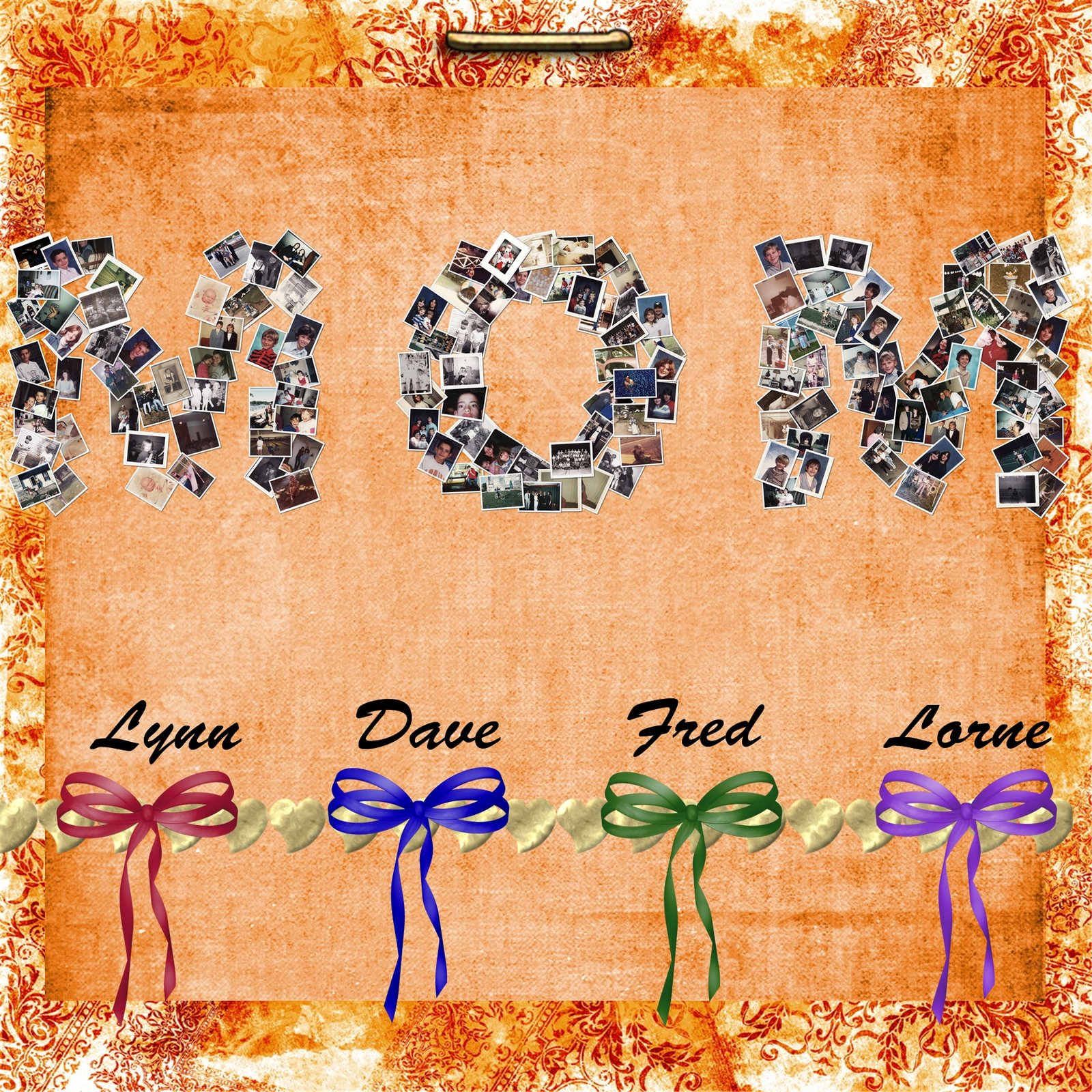 Mother's Day
 A wedding thank-you
Shapes for every occasion
- Holidays: a wreath, a Christmas tree, a snowflake, a star, a menorah or dreidel, an Easter egg, a pumpkin. Many are in the free shapes.
- Birthdays: the new age as a number (see number collages), a cake, or the name.
- Anniversaries and Valentine's Day: a heart, or the number of years.
- New babies: the baby's name, a heart, or a footprint, from the first weeks of photos.
- Mother's Day and Father's Day: "Mom" or "Dad" spelled with family photos.
How to make a collage card
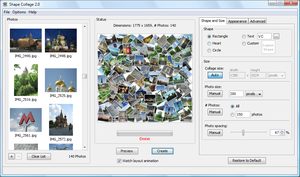
- Download Shape Collage (free for Windows, Mac and Linux), add your photos and choose the shape.
- Size it for printing at about 300 pixels per inch: a 5 × 7 inch card is 1500 × 2100 pixels.
- Use a white or transparent background so the card's design shows around the shape.
- Click Create, save it as a PNG, and place it on a card template in Word, Pages, Canva or any photo printing service, then add your greeting.