Logo Photo Collage
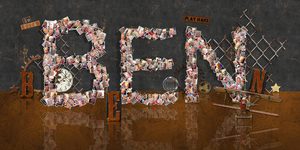
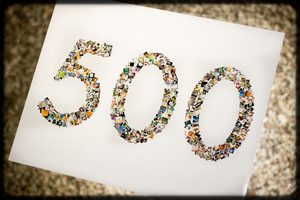
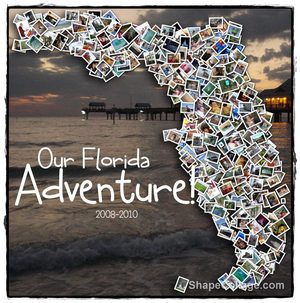
Turn a logo into a collage of photos: your company's logo made from photos of your team and customers, a school crest from a year of school photos, or a team logo from a season of games. Shape Collage fills any logo shape with your pictures automatically.
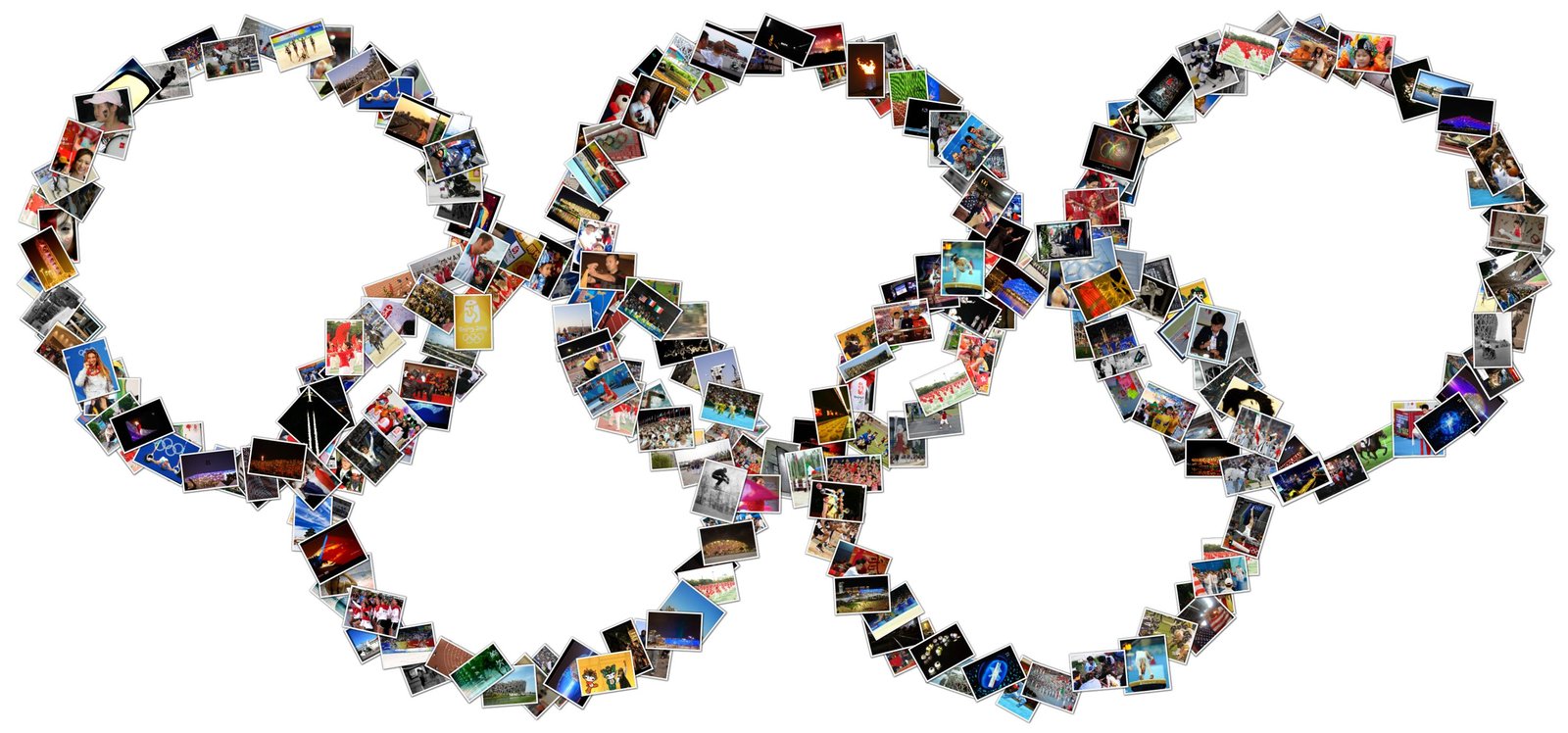 The Olympic rings
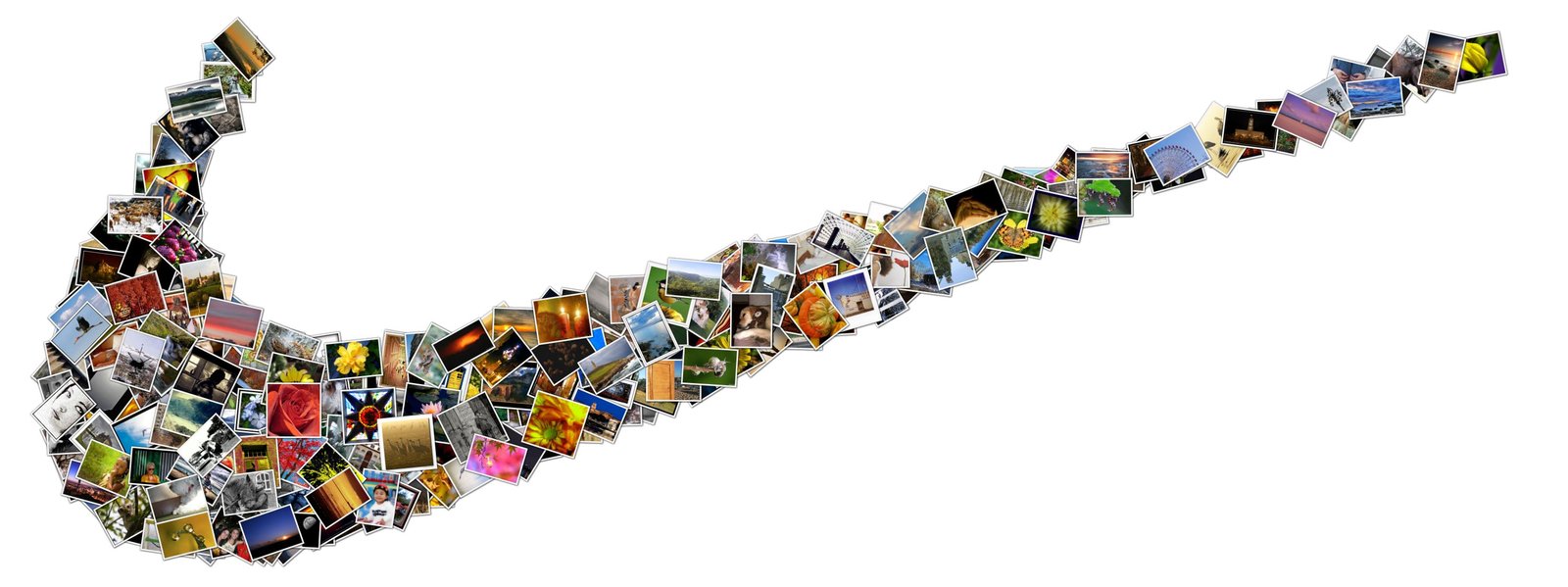 A sports brand
 Apple
Apple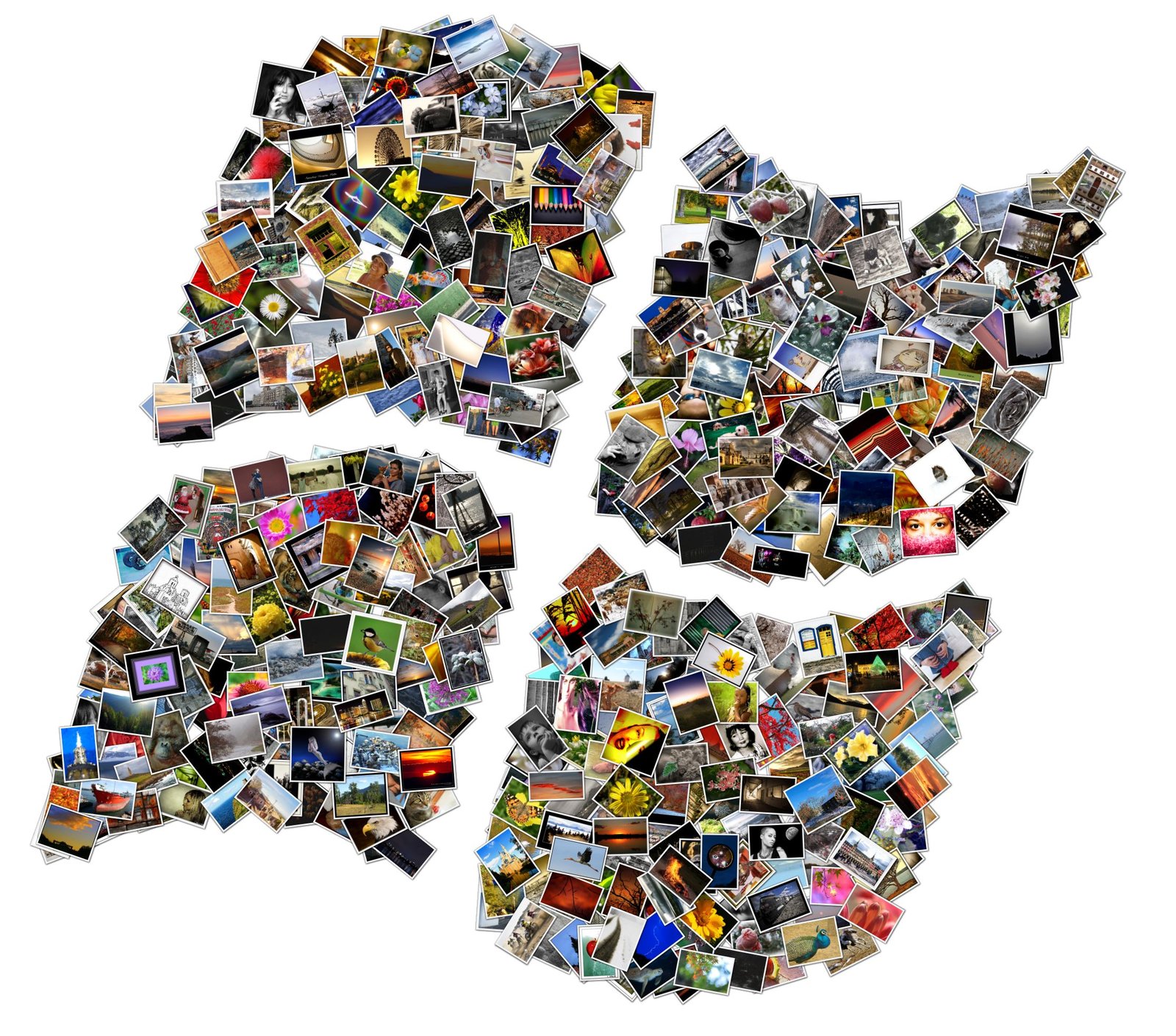 Windows
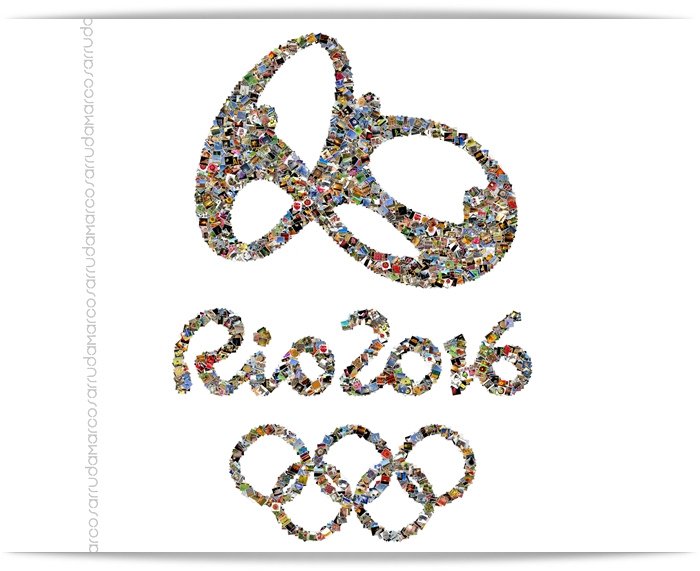 Rio 2016
 A World Cup
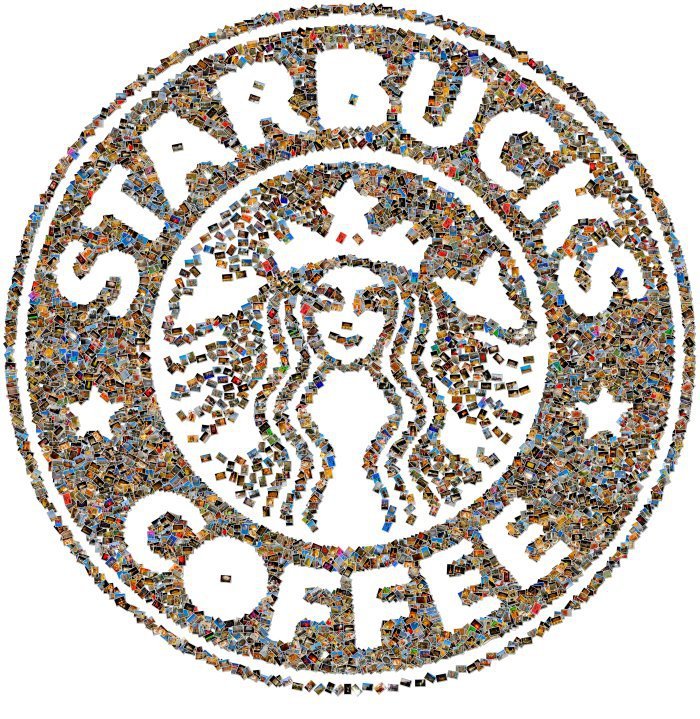 A coffee chain
 Tux, the Linux penguin
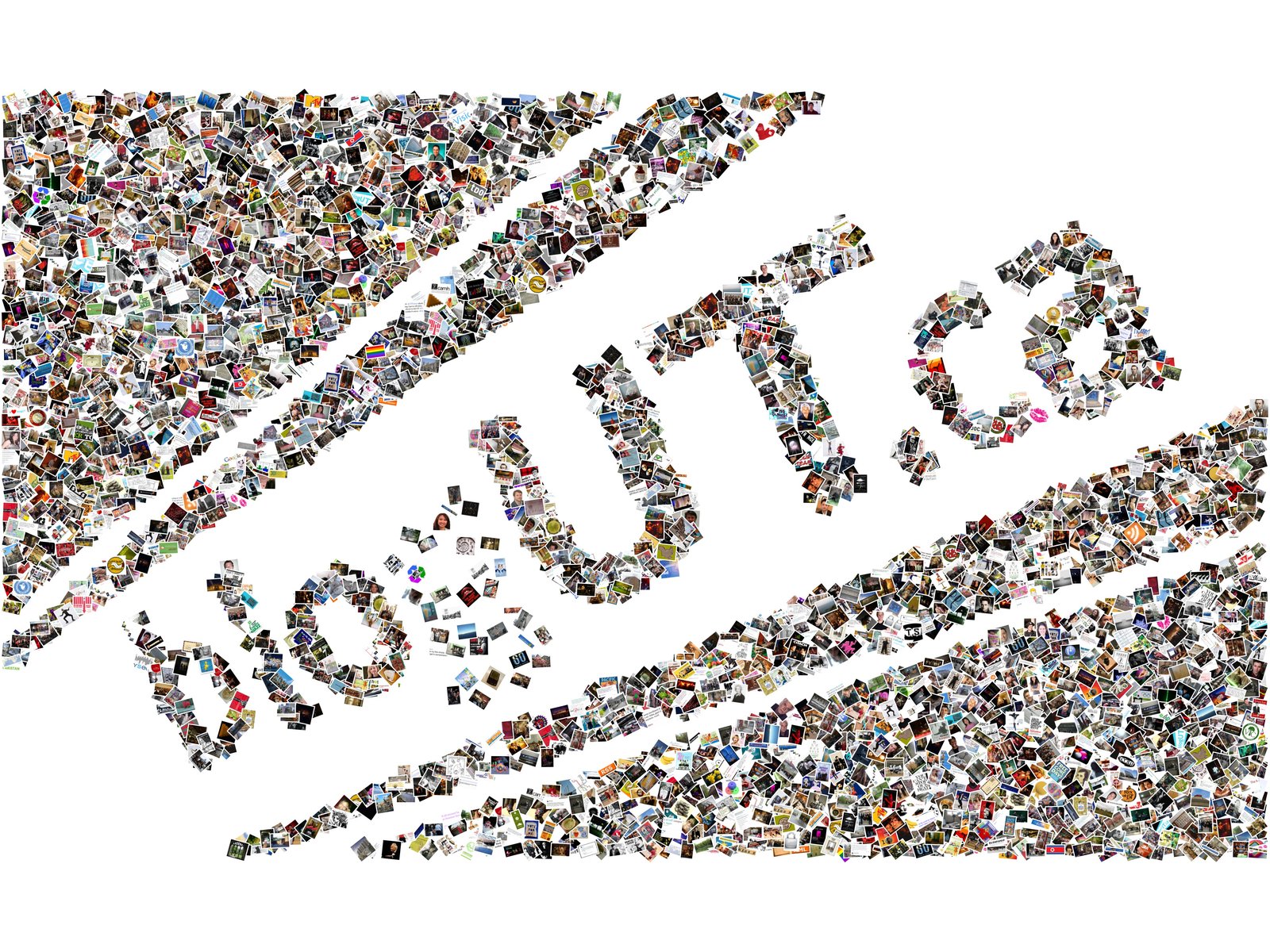 A blog's logo
 A school mascot
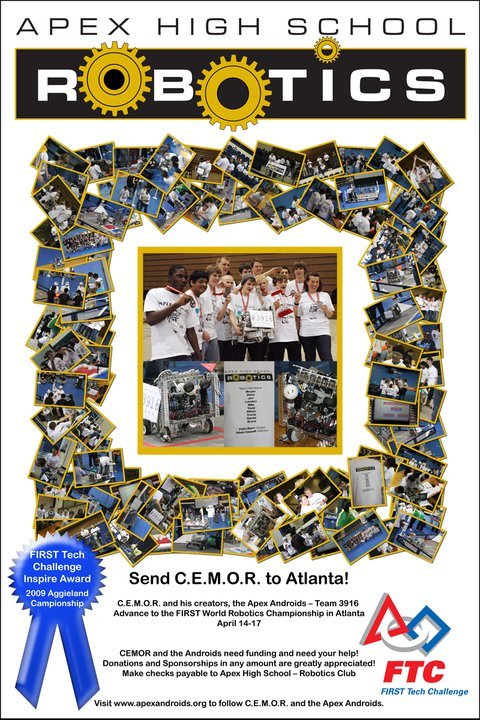 A robotics team poster
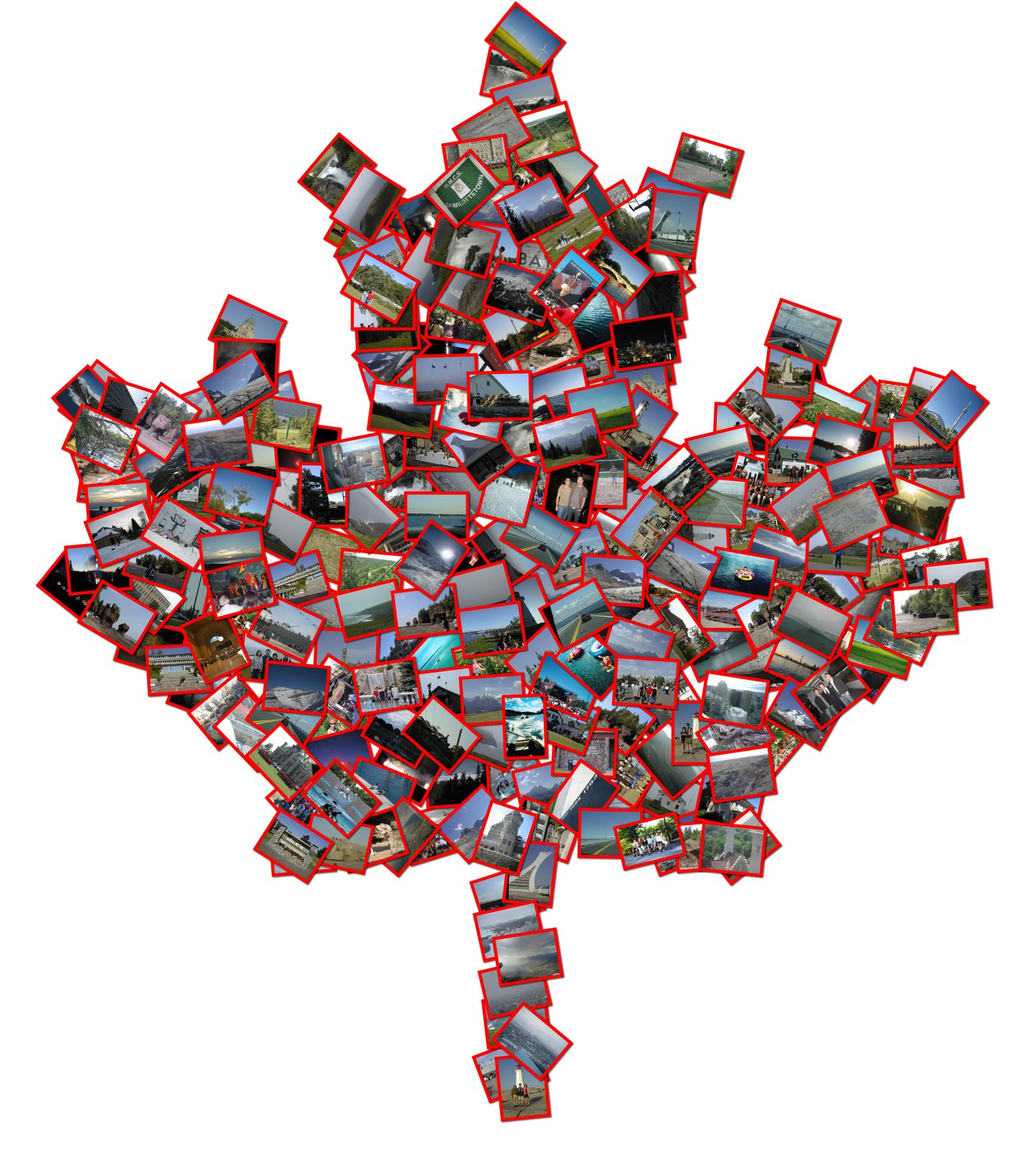 A national symbol
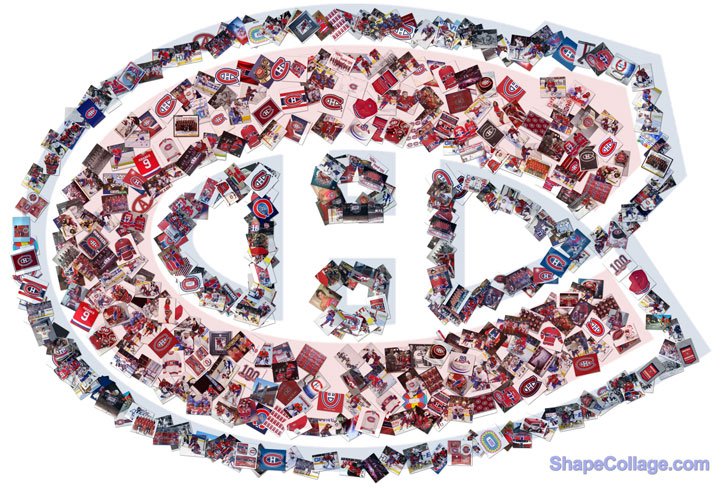 A hockey team
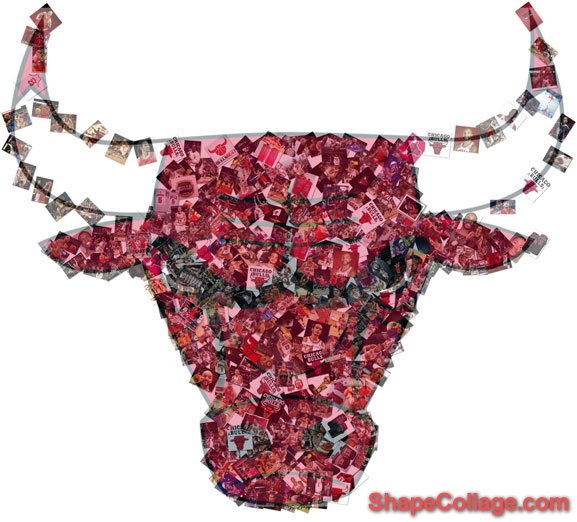 A basketball team
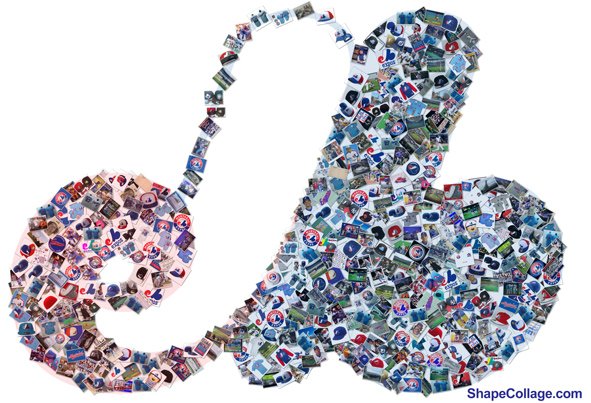 A baseball team
 Nintendo
Most of these were made by Shape Collage users. Brand logos belong to their owners and are shown as examples only.
How to make a logo collage
- Make a black-and-white version of the logo. Open the logo in any image editor (Paint, Photoshop, GIMP, Preview), make the logo solid black on a white background, and save it as a PNG. Black is where the photos go.
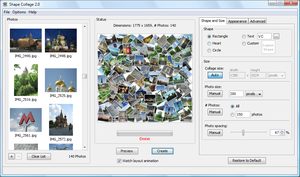
- Download Shape Collage (free for Windows, Mac and Linux) and open it.
- Drag your photos into the photo box. Logos with fine detail need lots of photos: 200 or more.
- On the Shape and Size tab, click Custom Shape and load your PNG.
- Make the collage large, for example 6000 pixels wide, so small parts of the logo still show the photos.
- Click Create, then save it as a JPEG or PNG. With a transparent background it can go straight onto a banner or slide.
Tips
- Bold and simple works best. Thick shapes show the photos; thin lines and small text don't. Leave out the tagline and fine print, or make them bolder.
- Add the details back afterwards. Put the logo's text or outline over the finished collage in an image editor, or use Shape Collage Pro's Photoshop export.
- Use more, smaller photos for detailed logos; use fewer, bigger photos for a simple mark.
- Using someone else's logo? For anything commercial, get permission from the company that owns it.
Ideas
- Company anniversaries and all-hands meetings: the logo made from photos of employees through the years.
- Trade show banners and office walls: the logo made from customers and products.
- Schools and teams: the crest or mascot made from a year of photos, for a yearbook, a banquet or a fundraiser.
- Clubs and events: a poster made from members' photos.
- Social media: a profile picture or cover image made from your community's photos.