Photo Collage of a Name, Word or Letter
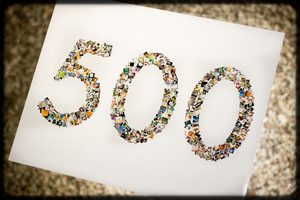
Spell a name, a word or a monogram with your photos. Type the text in Shape Collage and it fills every letter with pictures automatically, for a nursery wall, a team poster, a party banner or a gift.
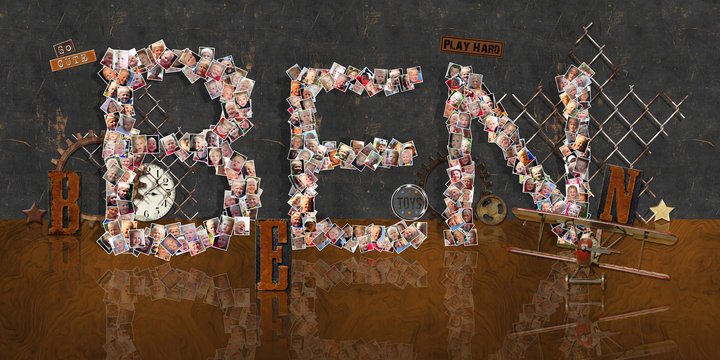 A name
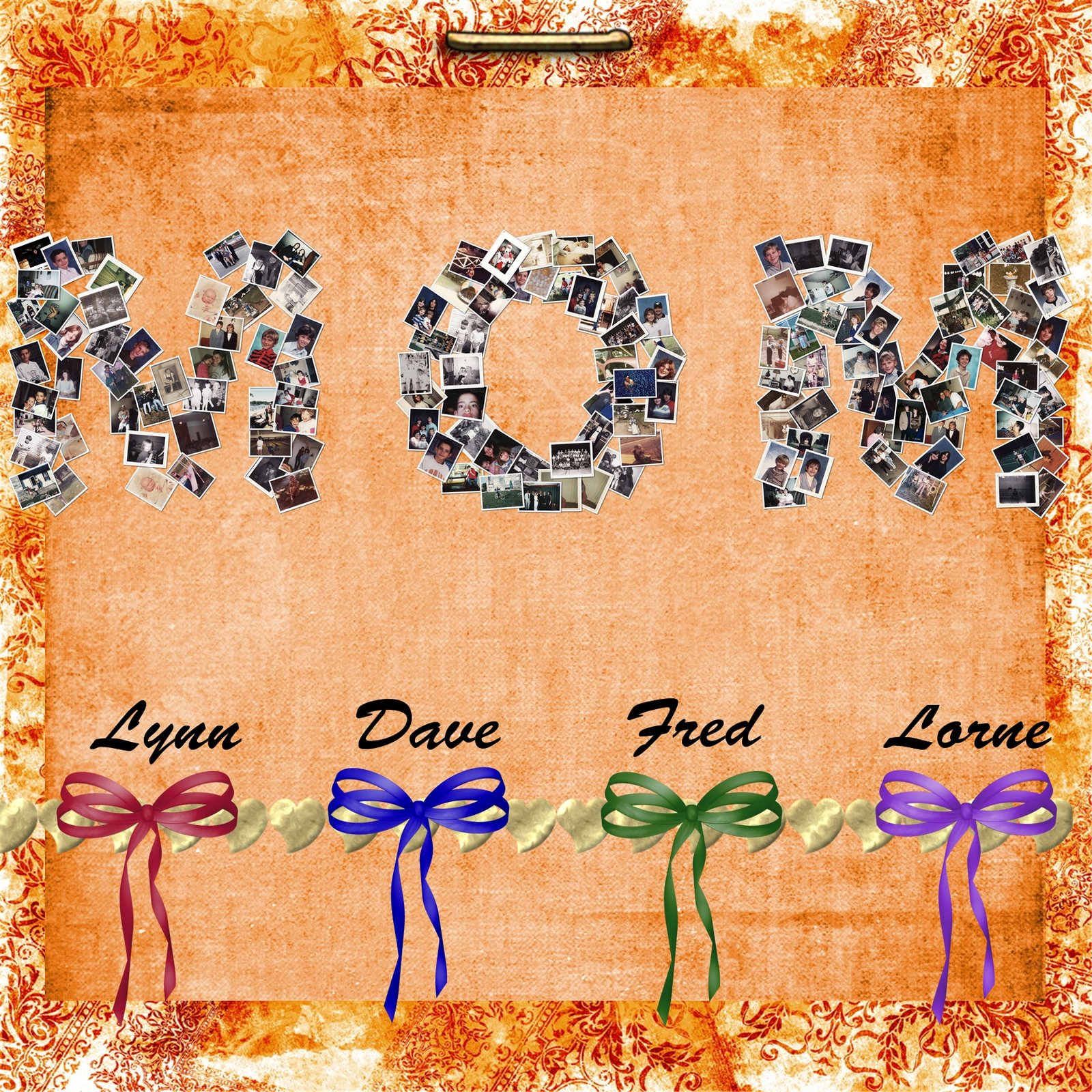 "Mom", with the kids' names
 I ♥ NY
 I ♥ NY, with the Statue of Liberty
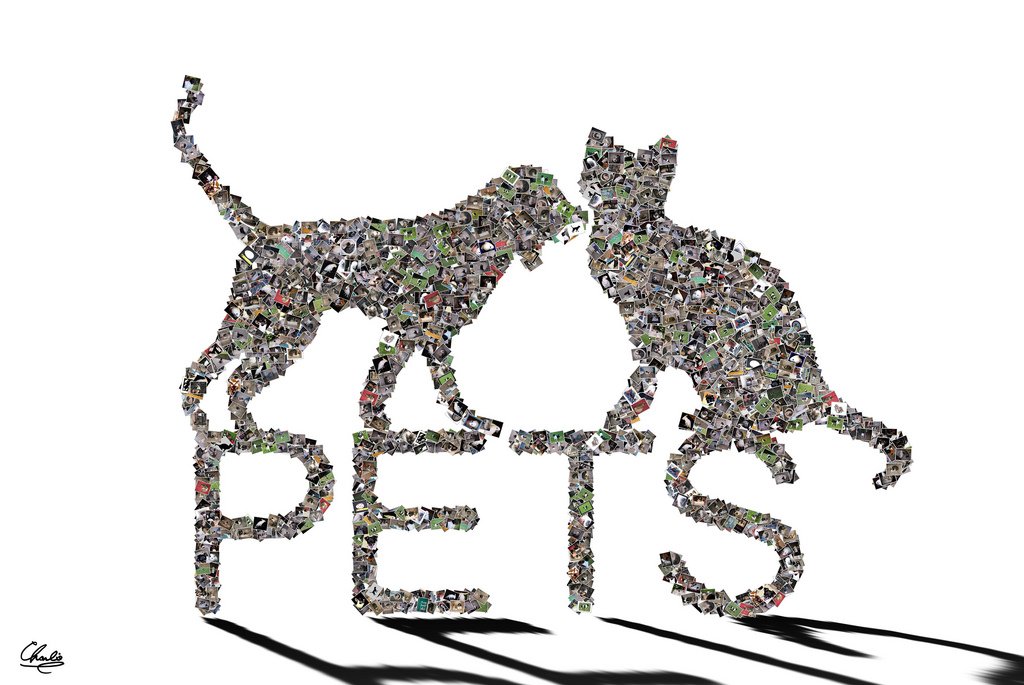 Pets
Pets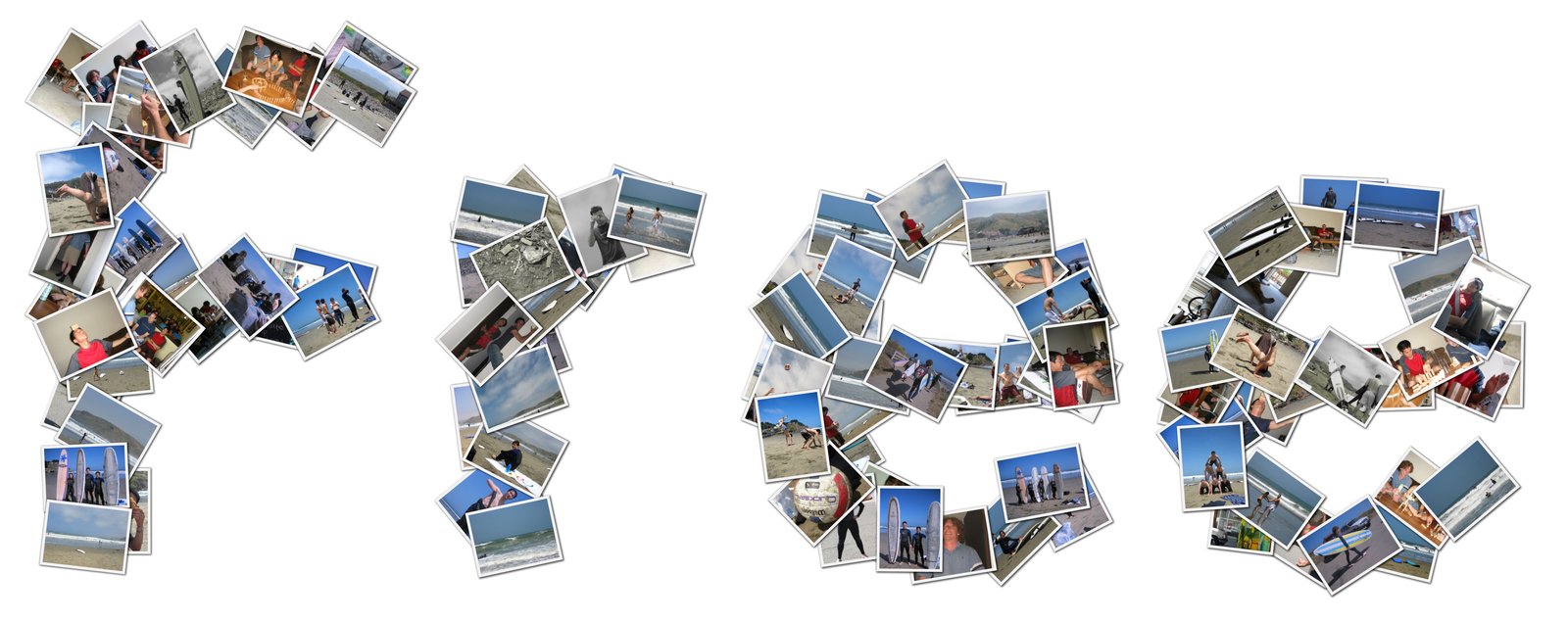 A word
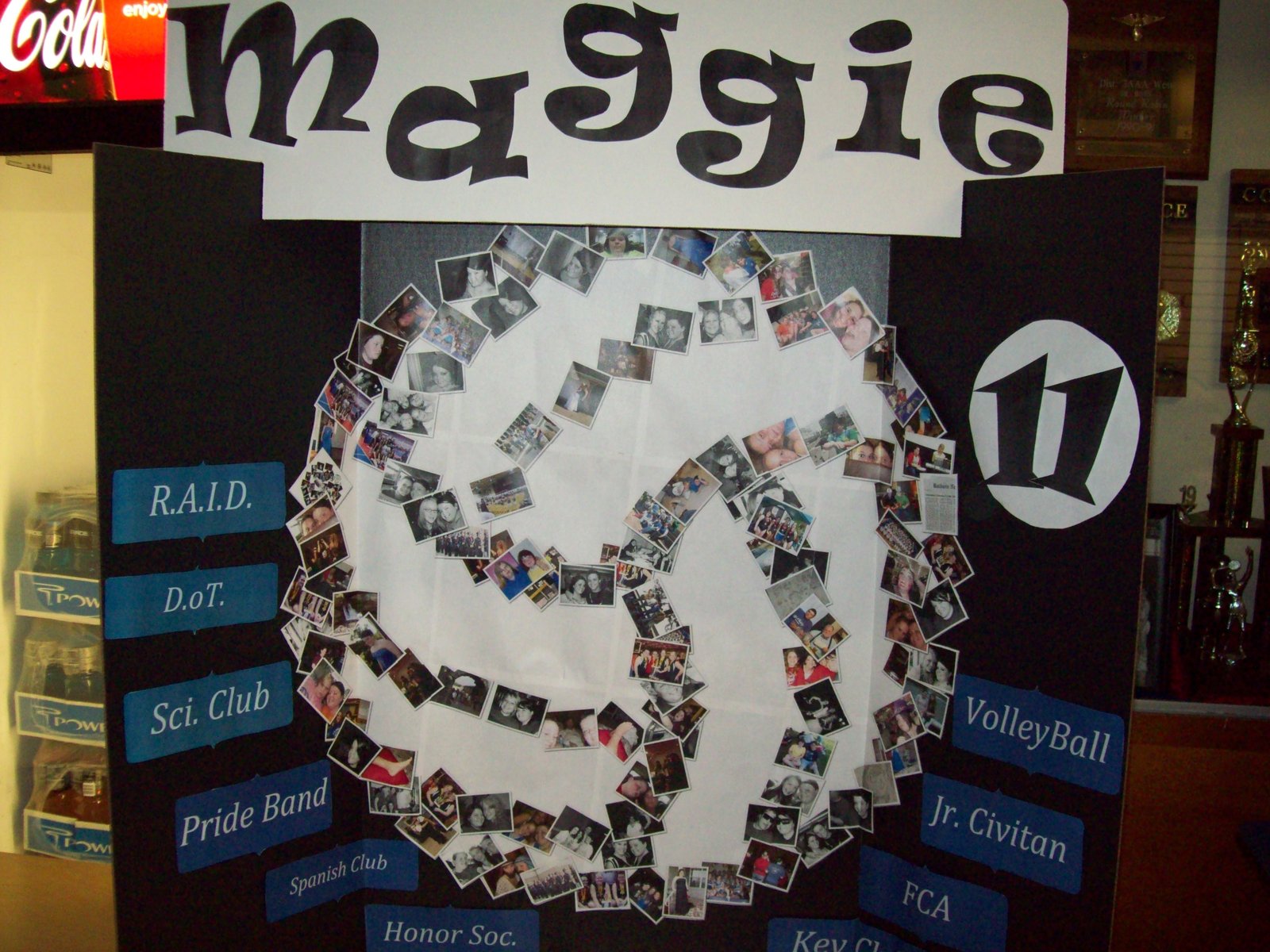 A volleyball player's name
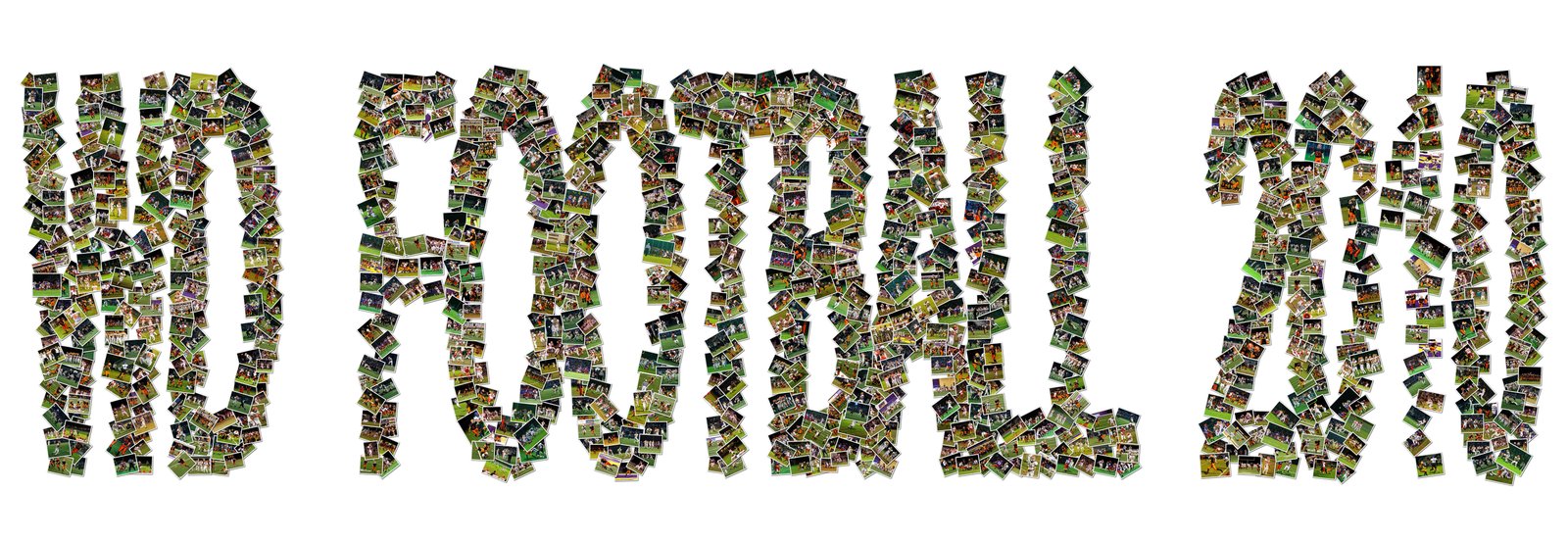 A team and its season
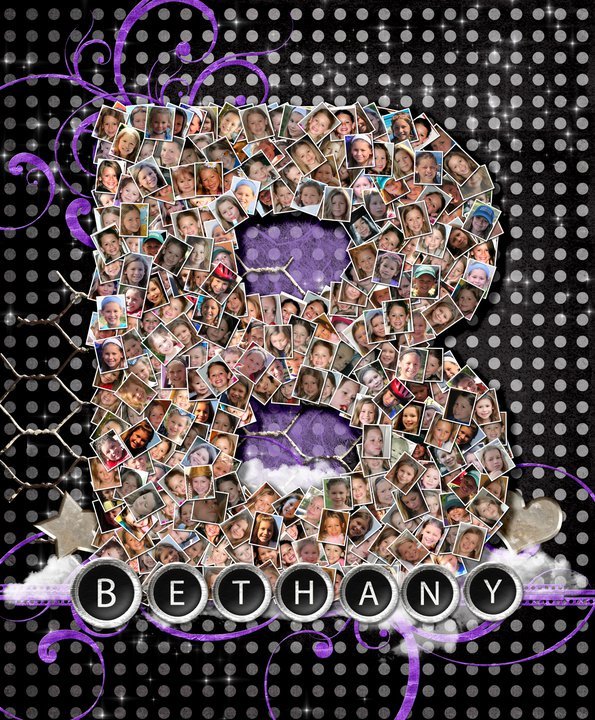 A single letter
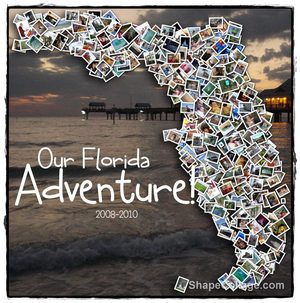
 A place
 A thank-you
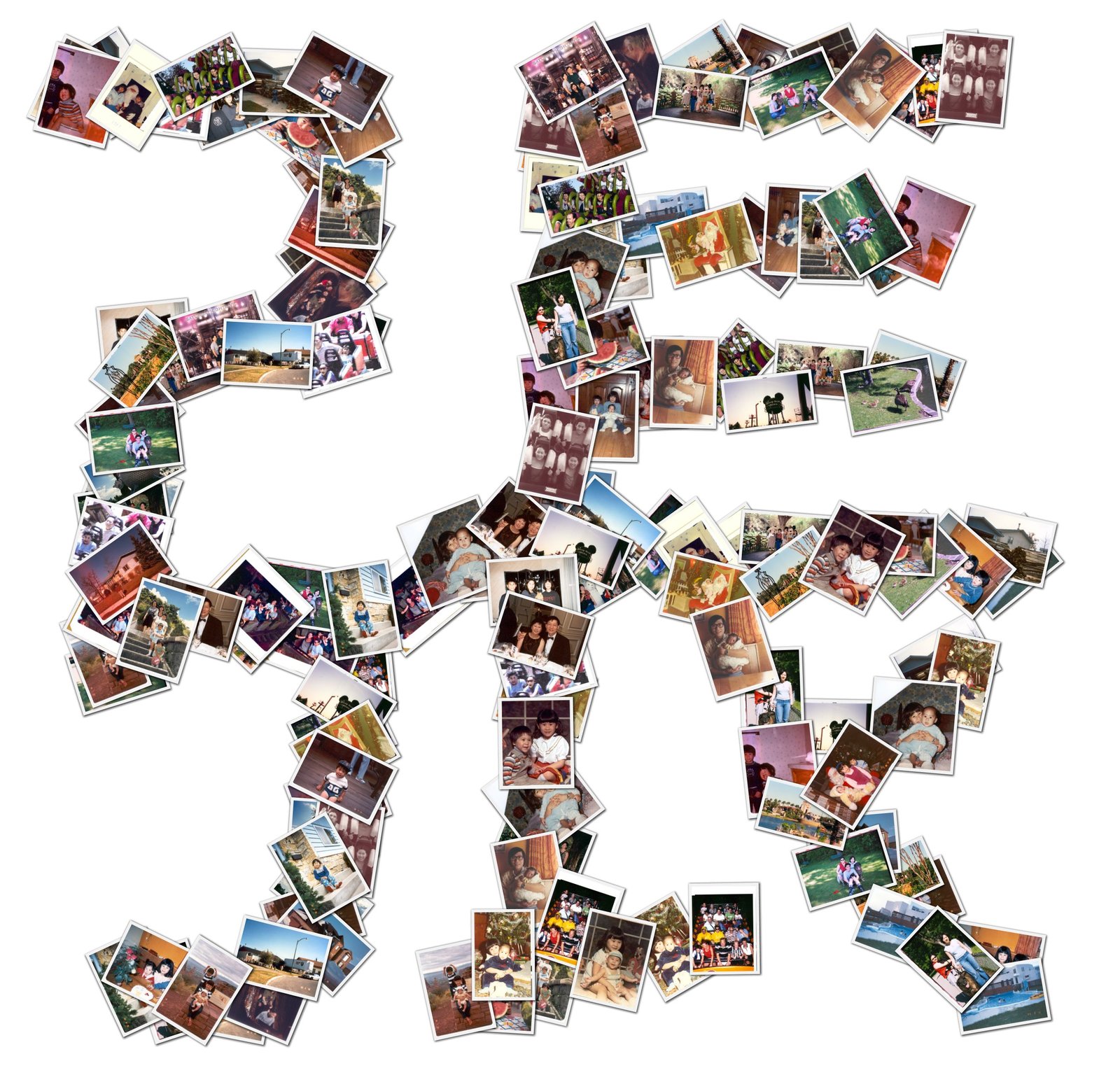 A name in Chinese
How to make a name collage
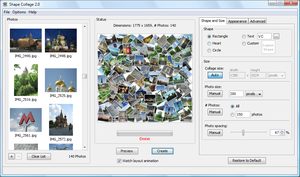
- Download Shape Collage (free for Windows, Mac and Linux) and open it.
- Drag your photos into the photo box. Letters need more photos than simple shapes: plan on 20 to 40 photos per letter.
- On the Shape and Size tab, choose Text and type the name or word. Pick a bold font: thick letters show the photos better.
- Make the collage wide, for example 6000 × 2000 pixels for a long name.
- Click Create, then save it as a JPEG or PNG.
Tips
- Short is better: a first name, initials or one word reads well from across a room; long phrases need a very large print.
- One letter at a time: for a big wall display, make each letter as its own collage and print them separately.
- Any language: the text uses the fonts on your computer, so names in Chinese, Japanese, Arabic or any other script work.
- Your own lettering: for a script font or a logo, save the text as a black-and-white PNG and load it with Custom Shape.
Ideas
- A child's name with their baby photos, for the nursery
- A team or club name with photos of the season
- "Mom", "Dad" or "Love" for a gift
- A couple's initials for a wedding
- A school or company name for a reunion or a retirement party