Heart-Shaped Photo Collage Maker
A heart made of photos is one of the most popular collages: for Valentine's Day, an anniversary, a wedding, a new baby, or a family reunion. Shape Collage builds one from your pictures automatically, free, on your own computer.
 Portraits of friends
 Holiday photos
 A family poster
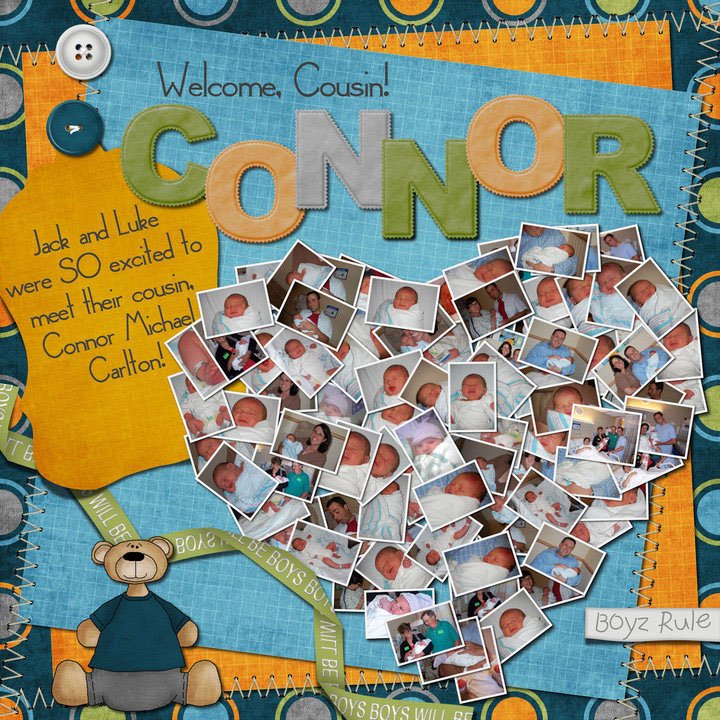 A baby scrapbook page
 108 photos
 On a flower background
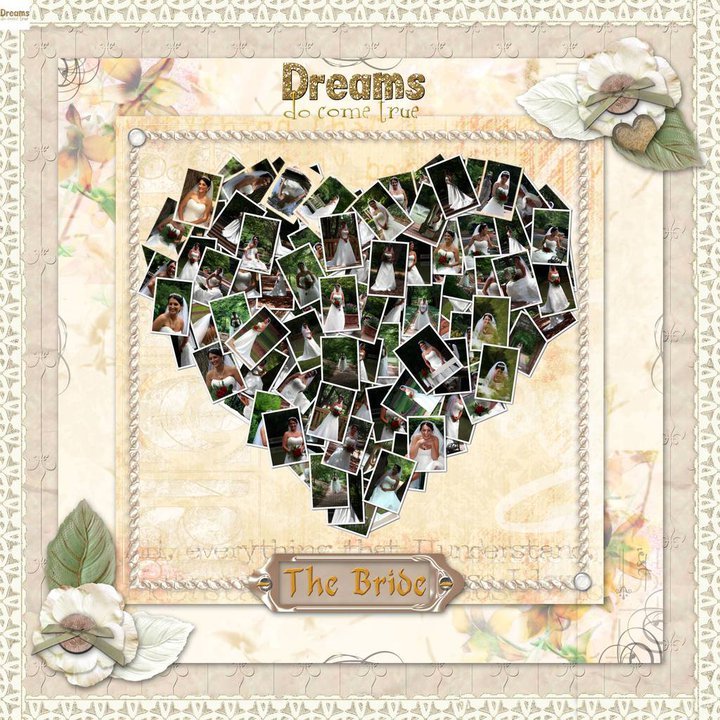 A framed keepsake
 Friends
 Pink patterns
 Faces with a soft edge
 Wedding photos
 Travel photos
How to make a heart collage
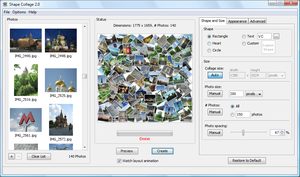
- Download Shape Collage (free for Windows, Mac and Linux) and open it.
- Drag a folder of photos into the photo box. 50 to 150 photos make a nicely filled heart.
- On the Shape and Size tab, choose Heart.
- Set the size. For a print, use about 300 pixels per inch: 3000 × 3000 pixels for a 10-inch heart.
- Click Create. The photos are arranged into the heart in seconds.
- Save it as a JPEG or PNG, then print it, frame it, or put it on a card.
Ideas
- Valentine's Day or an anniversary: one photo from each month or year together, on a red or white background.
- Wedding: photos of the couple growing up, or guests' photos from the day, as a thank-you card.
- New baby: the first weeks of photos in a heart, for a scrapbook page or the birth announcement.
- Mother's Day or Father's Day: family photos through the years.
- Memorials: a lifetime of photos for a service or a keepsake print.
Other heart shapes
Besides the built-in heart, the free shapes include a double heart, a broken heart, a butterfly heart and others. Save one and load it with Custom Shape. You can also draw your own, or use a transparent background so the heart can be placed on any design later.